
Table of Contents
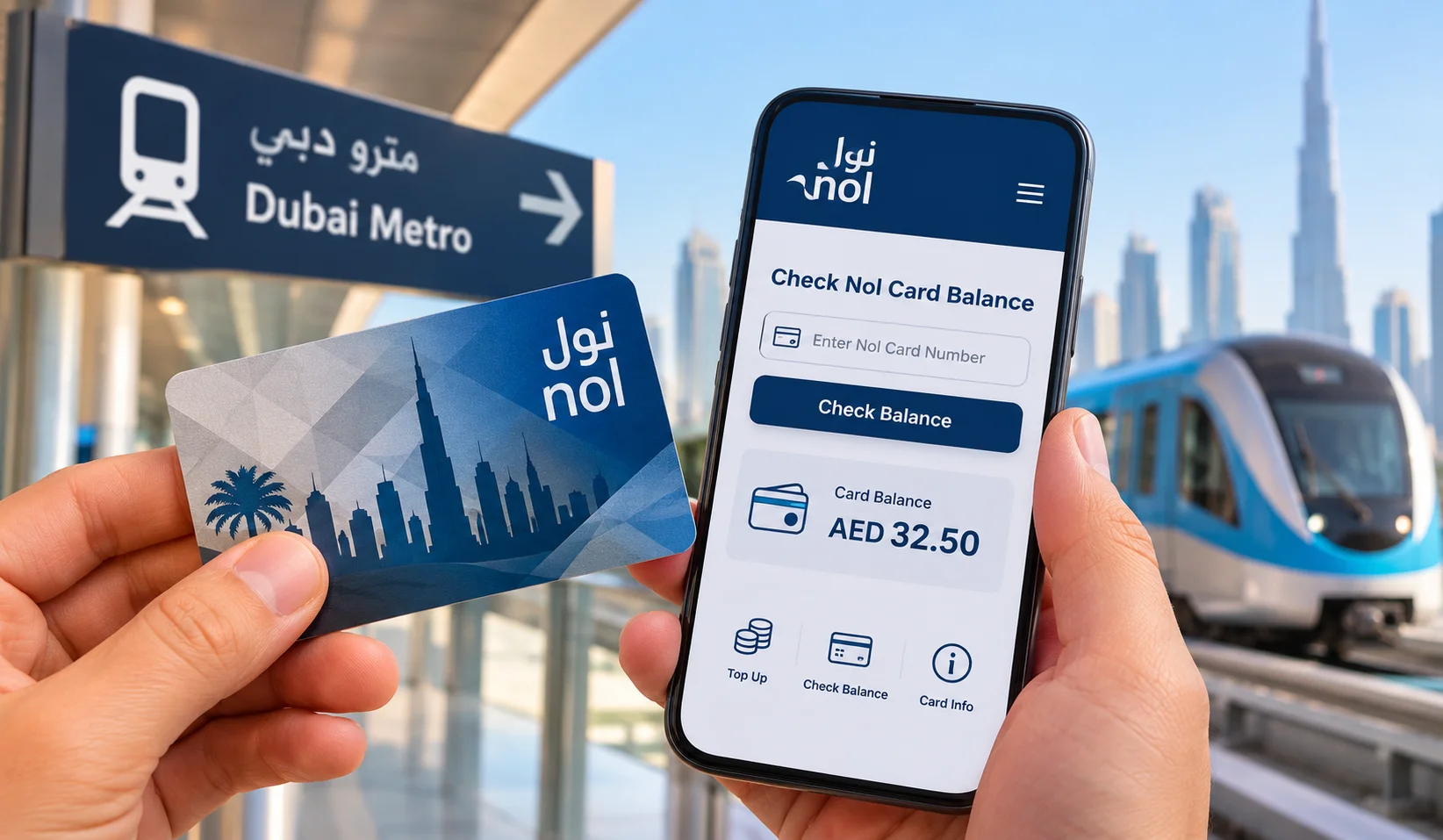
If you use Dubai’s Metro, buses or tram regularly, knowing how much credit is left on your Nol card is one of those small things that can make travelling much easier.
You don’t necessarily have to go to a station just to find out what is available on your card. Depending on what is convenient for you, the information can be checked through RTA’s website, the official nol Pay app, or at a station.
This guide explains the different options, where to find the number you need, what to do after adding money, and how to deal with common problems.
The Quickest Way to Nol Card Balance Check
For a simple check from home or your phone browser, the RTA website is usually the easiest option.
You will need the Nol Tag ID associated with your card.
Follow these steps
- Open the official RTA website.
- Go to the Check nol Balance service.
- Find the Tag ID on your physical card.
- Enter the requested number in the online form.
- Submit the request.
- Review the information shown for your card.
The RTA service specifically uses the Nol Tag ID to retrieve the card information, so entering the correct number is important.
If you are using a search engine to find the service, make sure the page belongs to RTA rather than an unrelated website.
Where Is the Nol Tag ID?
This is one of the first things people look for when trying to use the online service.
The Tag ID is associated with the physical Nol card and is the number requested by RTA for its online checking service.
Take a close look at your card and make sure you are using the number identified as the Tag ID. Don’t simply enter another number printed on the card.
If you have more than one card, double-check which card you are trying to look up.
Using nol Pay on Your Phone
If you use public transport often, the official nol Pay app can be more convenient than visiting the RTA website every time.
The app provides several Nol-related services, including checking card information and adding credit.
The exact options available can depend on your phone, card and the current version of the app.
How it works
- Open the official nol Pay app.
- Choose the option for your physical Nol card.
- Follow the instructions shown on screen.
- Enter the requested card information or use NFC if supported.
- Wait for the card information to load.
- Review the available amount and other information shown.
For someone who uses Dubai public transport regularly, having the app can be useful because it brings several card-related services together in one place.
Checking a Physical Card With NFC
NFC is particularly useful if your smartphone supports it.
Instead of manually entering the card number, a compatible phone can read information from the physical card.
Before you start
Make sure:
- Your phone supports NFC.
- NFC is switched on.
- The nol Pay app is installed.
- You have the physical card with you.
The process
Open nol Pay and select the relevant card-reading option. Turn on NFC if it is disabled, then place the Nol card against the back of your phone.
Keep it there for a few seconds.
If nothing happens, don’t assume the card is faulty. The NFC antenna is located in different places on different phones, so moving the card slowly across the back of the device can help.
Once the card is recognised, follow the information displayed in the app.
Can You Do It Without an App?
Yes.
If you only need to find out how much credit is available, there is no need to download an app. The RTA website provides an online service for checking the card using its Tag ID.
This is useful for occasional visitors who don’t use Dubai public transport frequently.
It can also be more convenient if your phone doesn’t support NFC.
Checking at a Dubai Metro Station
Sometimes you are already on your way and don’t want to deal with an online service.
In that situation, you can use the available Nol facilities at a Metro station. Ticket machines and other station services can help with supported card transactions.
This can be particularly useful if you discover that your available credit is low before starting your journey.
For example, if you’re travelling through DMCC Metro Station or Internet City Metro Station, you can deal with your card before continuing your trip.
The facilities available can vary between stations, so follow the instructions shown on the machine or ask station staff if you need help.
What If You Have Just Added Money?
This is where some travellers become confused.
You may complete a top-up and then find that the amount you expected isn’t immediately visible on the physical card.
Don’t automatically pay again.
First, check the transaction and the card through an official RTA service. Some transactions or transferred amounts may need to be activated through a supported Nol device before becoming available on the card.
Keep your payment confirmation until you are sure the transaction has gone through correctly.
Why Isn’t My New Amount Showing?
There isn’t always one single reason.
A few common possibilities include:
The transaction is still being processed
A recent payment may not have been fully reflected yet.
The wrong card was checked
This is easy to do if you have more than one Nol card.
The Tag ID was entered incorrectly
Even one incorrect digit can prevent the system from finding the card.
The amount needs activation
Certain top-up or transferred amounts may require interaction with a supported Nol facility.
There is a technical problem
If your payment has definitely been completed but the expected amount still isn’t available, contact RTA through its official support channels.
Avoid making another payment until you understand what happened to the first one.
What If You Don’t Have Enough Credit for Your Journey?
If you notice that your available amount is low, add credit before starting your trip.
This is much easier than discovering the problem when you’re already trying to enter a station or board public transport.
For people who commute every day, checking before leaving home can become a simple routine.
If you are already at a station, use the available top-up facilities there.
Can You Top Up Through Your Phone?
Yes. RTA provides digital options for managing Nol cards, including top-up services through nol Pay.
The exact process can vary depending on your card and the current app version, so follow the instructions displayed in the official application.
After making a payment, keep the confirmation until you can see that the transaction has been completed successfully.
What Happens If Your Card Expires?
The card’s validity and the money associated with it are two different things.
If your Nol card has expired, don’t immediately throw it away. RTA provides services for eligible cards and remaining amounts, including refund-related options.
The conditions can depend on the circumstances and card type, so check the latest RTA information before taking action.
Can You Get a Refund?
In eligible situations, RTA provides a service for dealing with remaining or non-activated amounts.
This can include certain cases involving expired, damaged, faulty, lost or stolen cards, subject to the applicable conditions.
If you need a refund, check the current RTA requirements first rather than relying on an old blog post or social media comment.
Nol Card or Hafilat Card: Which One Do You Need?
This is worth knowing if your UAE trip includes both Dubai and Abu Dhabi.
Dubai’s public transport network uses the Nol system, while Abu Dhabi’s local bus network uses Hafilat.
So, if you are travelling from Dubai to Abu Dhabi, don’t assume that the same transport card will work for your local journey after you arrive.
If Abu Dhabi is part of your trip, our guide to Abu Dhabi Central Bus Station can also help you understand the city’s main bus hub.
Using Nol on the Dubai Metro
The card is used across Dubai’s public transport network, including the Metro, buses and tram.
On the Metro, you normally tap the card when entering and leaving the system. The amount charged depends on the zones covered by your journey.
If you’re new to Dubai’s Metro, understanding the route and the areas you are travelling between is just as important as having enough credit.
Our DMCC Metro Station guide may be useful if you’re travelling around JLT, Dubai Marina and nearby areas.
Which Method Should You Use?
There is no need to use the most complicated option.
| Method | Best suited to |
|---|---|
| RTA website | A quick check from your phone or computer |
| nol Pay | People who use public transport regularly |
| NFC | Users with a compatible smartphone |
| Metro station | People already travelling |
For a one-time check, the website is generally the simplest.
If you travel around Dubai frequently, keeping nol Pay on your phone can make managing the card easier.
Common Problems
I entered my Tag ID but nothing appeared
Check the number carefully and make sure you are checking the correct card. If the issue continues, try again later or contact RTA.
My phone isn’t reading the card
Make sure NFC is enabled and move the card around the back of your phone to locate the NFC antenna.
I topped up but the money isn’t there
Check the transaction before making another payment. The amount may still be processing or waiting for activation.
My card has stopped working
Don’t throw it away immediately. Check the RTA options for the particular type of card and situation.
I lost my card
Use the official RTA channels to find out what options are available for your card and any remaining amount.
A Few Tips That Can Save You Time
A little preparation can prevent most problems:
- Nol Card Balance Check before a long journey.
- Keep your Tag ID somewhere you can easily find it.
- Save top-up confirmations until the transaction is complete.
- Don’t make a second payment just because the first one hasn’t appeared yet.
- Use official RTA services for card-related payments and information.
- Check current transport information before travelling because services and rules can change.
- If travelling between emirates, check which transport card is used at your destination.
Frequently Asked Questions
How can I check my Nol card balance online?
Use the official RTA Check nol Balance service and enter the Tag ID associated with your card.
Can I check it without downloading an app?
Yes. RTA provides a browser-based service, so nol Pay is not required for a basic online check.
Can I use my phone?
Yes. You can use the RTA website through your mobile browser or use nol Pay for supported card functions.
Does NFC work with every phone?
No. Your smartphone needs NFC support, and the available functionality can also depend on the device and app.
What should I do if a top-up hasn’t appeared?
Check the transaction first and keep your payment confirmation. If the amount remains unavailable, contact RTA rather than repeatedly paying for the same top-up.
What happens if my card expires?
Check RTA’s current services for eligible remaining amounts, refunds or other available options.
Is Nol used in Abu Dhabi?
Nol is associated with Dubai’s RTA network. Abu Dhabi uses the Hafilat system for its local public buses.
Final Thoughts
Checking the amount available on your Nol card is a simple task once you know which option suits you.
For an occasional check, the RTA website is convenient. Regular commuters may find nol Pay more useful, especially when their phone supports NFC. And if you’re already at a Metro station, the available station facilities can save you the trip back home.
The main thing is to use official RTA services when dealing with payments or card information. If something doesn’t look right after a top-up, check the transaction first instead of paying again.
A few seconds of preparation before leaving can make a much smoother journey across Dubai.
