
Table of Contents
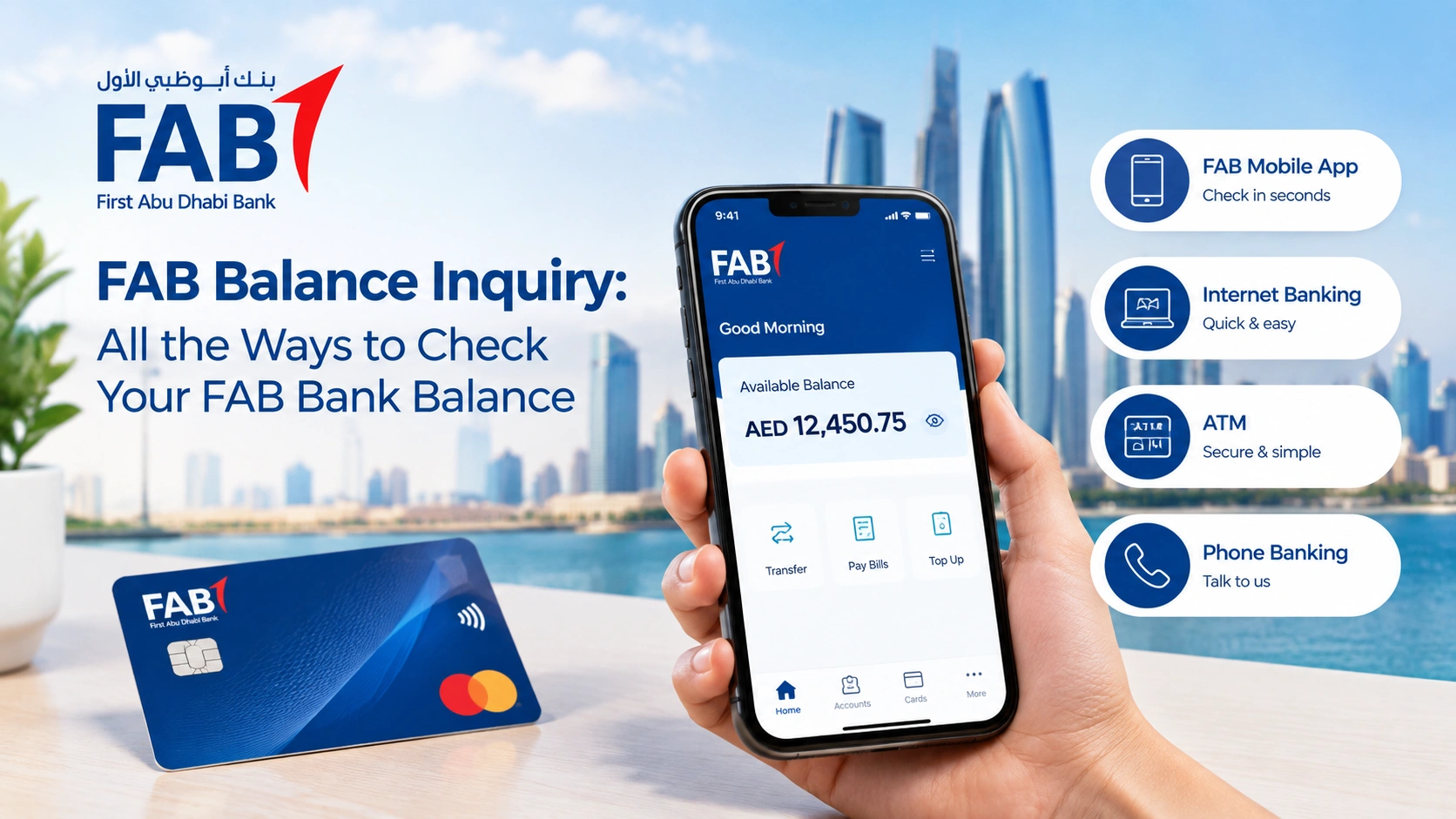
Checking your FAB account balance is straightforward, and you don’t have to visit a branch to do it. First Abu Dhabi Bank (FAB) offers several ways to check your balance, including the FAB Mobile app, online banking, ATMs and phone banking.
If you’re searching for a FAB balance check, FAB account balance check or simply want to know how to check your FAB balance, the right method depends on what you have available.
If you have a FAB prepaid or Ratibi card, there is also a separate balance-check option.
Here’s how each method works.
1. Check Your Balance Using FAB Mobile
For most customers, FAB Mobile is the easiest way to do a FAB balance check. The app lets you view your account balance, card balances and transaction history along with other everyday banking services. FAB currently lists account and card balance checking as available through the app.
How to check your FAB balance on the app
- Open the FAB Mobile app on your phone.
- Log in using your registered authentication method.
- Your accounts and cards will appear in the app.
- Select the account or card you want to check.
- View your current balance and recent transactions.
FAB Mobile is available for Apple and Android devices. You can also use it outside the UAE if you have a suitable Wi-Fi or mobile data connection.
For regular FAB account balance checks, this is usually the quickest option.
2. Use FAB Online Banking
You can also check your FAB account balance through Internet Banking if you prefer using a computer.
Steps to check your balance online
- Go to the official FAB website.
- Select the personal banking login option.
- Sign in to your online banking account.
- Open your account or card details.
- Your balance and recent transaction history will be displayed.
FAB currently lists viewing account balances and transaction history among its available Internet Banking services. Credit card balances and transactions can also be viewed online.
This makes online banking useful if you want to check your balance while reviewing transactions or managing other banking services.
3. Check Your FAB Balance at an ATM
You can also use a FAB ATM to check your balance.
How it works
- Insert your FAB card into the ATM.
- Enter your PIN.
- Select the balance inquiry option.
- Follow the instructions shown on the screen.
Depending on the ATM and card type, your balance may be displayed on screen or you may be able to request a receipt.
An ATM is a useful option if you don’t have internet access or prefer not to use mobile banking.
4. Call FAB Customer Service
If you cannot access FAB Mobile, Internet Banking or an ATM, you can contact FAB customer service.
Inside the UAE: 600 52 5500
Outside the UAE: +971 2 681 1511
FAB provides customer support for account and card-related queries, although you may need to complete security verification before account information can be provided over the phone.
If you’re calling from outside the UAE, use the international contact number listed by FAB rather than a number found on an unofficial website.
5. Check Your FAB Ratibi or Prepaid Card Balance
If you have a FAB prepaid card, including a Ratibi salary card, the process is different from checking a normal FAB bank account.
FAB’s Ratibi service has a dedicated prepaid card balance enquiry option. FAB also identifies Ratibi as a salary payroll solution that allows eligible employees to receive their salaries on a card without maintaining a traditional bank account.
How to check your Ratibi balance online
- Open the official Ratibi prepaid card balance enquiry page.
- Enter the required card information.
- Enter your Card ID when requested.
- Complete the verification step.
- Submit the details to view your available balance.
This is the most relevant option if you’re specifically searching for a FAB Ratibi balance check or FAB prepaid card balance check.
6. Visit a FAB Branch
A branch visit usually isn’t necessary just to check your balance, but it can be useful if you’re having problems accessing your account or need help with another banking issue.
FAB provides branch and ATM information through its website, so check the details for your preferred location before visiting.
If you only need a quick FAB bank balance check, using FAB Mobile, Internet Banking or an ATM will generally be easier.
Which FAB Balance Inquiry Method Is Best?
| Method | Internet required | Best for |
|---|---|---|
| FAB Mobile | Yes | Quick everyday balance checks |
| Online Banking | Yes | Checking accounts and transactions on a computer |
| FAB ATM | No | Checking your balance without internet access |
| Phone Banking | No | Customers who need assistance |
| Ratibi Balance Enquiry | Yes | Ratibi and eligible prepaid card holders |
| Branch | No | Account problems and in-person assistance |
For most customers, FAB Mobile is the simplest way to check a balance. FAB currently lists account balance, card balance and transaction-history services in the app.
How to Check FAB Balance Without Internet
If you don’t have an internet connection, you still have options.
You can use a FAB ATM to check your balance or contact FAB customer service within the UAE at 600 52 5500.
If you have a Ratibi or eligible prepaid card, you can also use the dedicated Ratibi support channels provided by FAB.
There is no need to use an unofficial website that asks for your banking password, PIN or OTP.
How to Check FAB Credit Card Balance
If you’re looking specifically for a FAB credit card balance check, you can use FAB Mobile or Internet Banking.
FAB currently lists credit card balance and transaction-history services as available through both its mobile and Internet Banking channels.
After logging in, select your credit card to view the available information.
This is generally more convenient than visiting an ATM or branch when you only need to check your card balance.
Stay Safe When Checking Your FAB Balance
Be careful when receiving messages or links that appear to come from FAB.
FAB advises customers to be cautious about suspicious communications and to protect their banking information. Its digital authentication system also uses FAB Mobile as part of the security process for online banking transactions.
Keep these basic rules in mind:
- Never share your FAB PIN with anyone.
- Don’t give your OTP or authentication details to another person.
- Don’t enter your banking password on a suspicious website.
- Use the official FAB website or FAB Mobile app for online banking.
- If you’re unsure about a message or call, contact FAB directly using an official contact number.
The Bottom Line
There are several ways to do a FAB balance inquiry, but you don’t need to use all of them.
For everyday banking, FAB Mobile is probably the easiest option. Online Banking is useful when you’re working from a computer, while an ATM gives you a simple alternative when you don’t have internet access.
If you have a Ratibi or FAB prepaid card, use the dedicated balance enquiry service provided by FAB. And if you’re specifically checking a credit card balance, FAB Mobile and Internet Banking can both provide the relevant account information.
Whatever method you use, stick to FAB’s official channels when checking your balance or entering banking information.
Information in this guide is based on FAB’s publicly available banking information and is intended for general guidance. Banking services, procedures and contact details can change, so check FAB’s official website or app for the latest information before providing any account or card details.
